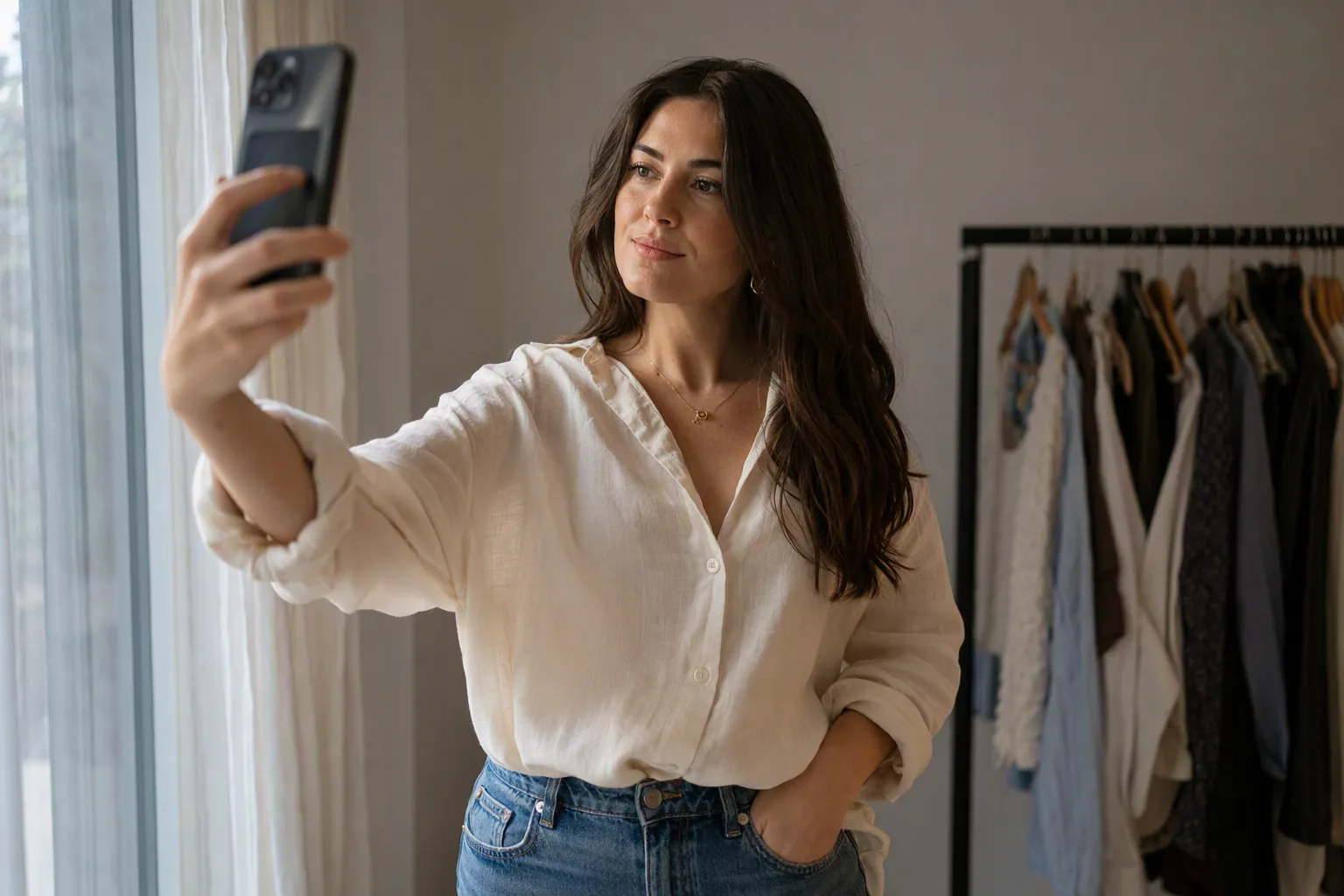
Fit is the reason most clothes go back. A large share of online clothing orders is returned, and the most commonly cited reason is that the garment did not fit the way the buyer expected. Virtual try-on is routinely sold as the fix for that. It is not, quite - but it does fix a related and genuinely expensive problem, and it is worth being precise about which is which.
If you have already read our guide to how AI dress try-on works, you know the mechanics: pose detection, garment segmentation, warping, compositing. This piece is the other half of the story - what you can actually conclude from the picture that comes out, and what you cannot.
Three Different Things Are Called Try-On
Confusion starts here, because three unrelated technologies share the label:
- Photo-based AI try-on. You supply a still photo; a generative model renders you wearing the item. Highest visual quality, works with any photo, no live camera needed. Visio AI is an app of this type.
- Live AR try-on. Your camera feed is overlaid in real time. More immediate and more fun, generally lower fidelity, and best suited to items that sit in a fixed position on the body - glasses, earrings, lipstick.
- Size and fit recommendation. A completely different beast: you enter measurements, or the retailer infers them from your order history, and a model suggests a size. No picture is involved. This is the tool that actually addresses fit, and it is the one people think try-on is.
Mixing these up is why virtual try-on gets accused of overpromising. A photo preview never claimed to know your ribcage measurement.
What a Try-On Preview Answers Well
Within its lane, a preview is genuinely useful, and for four specific judgements it is better than staring at a model who is not built like you:
- Colour against your colouring. Whether a mustard blazer flatters your skin tone or drains it is visible instantly, and it is nearly impossible to judge from a flat product photo. This is the strongest single use of try-on.
- Silhouette and proportion. Where a hem lands on your leg, whether a wide trouser shortens you, how a cropped jacket relates to your waist. Shape questions are geometric, and geometry is exactly what these models handle well.
- Pattern scale. A print that looks charming on a 2cm swatch can be overwhelming across a whole torso. Seeing it at body scale settles that in a second.
- Whether it is you. The vaguest criterion and often the most decisive. Some things are objectively fine and still not yours. A preview surfaces that before your money does.
There is a second, quieter benefit: comparison speed. Putting eight versions of the same shape side by side on your own body takes about two minutes and would take an afternoon in shops.
What It Cannot Answer: Fit, Fabric, Size
Now the honest part, because this is where expectations break.
Fit. A preview approximates fit; it does not measure it. The model has no idea of your bust, waist, hip, inseam or shoulder width in centimetres, and the garment it is compositing is a visual asset rather than a pattern with a size grade behind it. It will happily show you a jacket sitting beautifully across shoulders it has never measured. Structured items - tailored coats, blazers, anything with a defined shoulder or waist seam - are where this gap is widest. Soft, draping garments are more forgiving.
Fabric. Colour and pattern render accurately. Weight, drape stiffness, stretch, breathability, how a knit pills after three washes, whether a lining scratches - none of that is in the image. A viscose and a heavy crepe version of the same dress can look nearly identical in a preview and behave completely differently on a body.
Size. The preview does not choose a size and should not be read as endorsing one. If a brand's size chart says something different from what the picture suggests, believe the size chart. Measure a garment you already own and love, compare it to the chart in centimetres, and let that decide.
One more limitation worth naming: results vary with the source photo. A cluttered background, an unusual pose, heavy motion blur or an extreme camera angle all degrade the composite, and the failure mode is often subtle - the garment renders convincingly but sits a few centimetres off where it really would.
How to Photograph Yourself for a Usable Preview
- Stand square to the camera, arms slightly away from your body so your outline is clear.
- Full body or from mid-thigh up, depending on the item. Hems and trouser shapes need the legs in frame.
- Wear something close-fitting and plain. A bulky coat gives the model the wrong body outline to work from.
- Even light, plain wall, phone at chest height. Shooting from below is the most common cause of odd proportions.
- One consistent base photo. If you want to compare ten items fairly, compare them all on the same shot.
Using Try-On Without Wasting Money
A workflow that treats the preview as what it is:
- Shortlist visually. Use virtual try-on to cut a long list down to two or three items on colour, shape and pattern. This is the step it is good at.
- Check the numbers. For each survivor, read the size chart and the fabric composition. Ignore the preview entirely at this stage.
- Read the returns policy before you buy, not after. If a retailer charges for returns, order one size, not three.
- Order the real fitting room last. Physically trying on is still the only way to settle fit. Try-on reduces how often you need to do it; it does not remove the need.
Visio AI keeps the preview and the shortlist in the same place, which makes step one quick, but nothing in the app replaces steps two to four. Some categories break this pattern in your favour. Glasses are largely a shape-and-face question rather than a fit question, so a preview gets you much closer to a final decision. Fully draped items - wrap dresses, oversized outfit layers - are similarly forgiving. Tailoring is the opposite end of the scale.
Try It on Your Own Photo
Visio AI is a photo app for iPhone and Android that previews outfits, hairstyles, hair colour and makeup on a photo you already have. There is no browser uploader; it runs on your phone. A sensible first test:
- Take one full-length photo in plain, close-fitting clothes against an uncluttered wall.
- Try the same garment shape in three different colours. Notice how much more the colour changes your reaction than you expected.
- Then try three different shapes in the same colour. That comparison is where try-on earns its place.
- Take the winner to the retailer's size chart, not to the checkout.
If you are putting a whole look together rather than one item, the same photo works across features - pair the outfit preview with a hairstyle or hair colour change and judge the combination rather than the pieces.
Try an Outfit on Your Own Photo
Download Visio and see how a shape and colour actually read on you before you order.


Frequently Asked Questions
Does AI virtual try-on actually work?
For judging colour, silhouette, proportion and pattern scale on your own body, yes - it is reliable and much more informative than a product photo on a model. For judging fit, fabric behaviour or which size to order, no. Those depend on measurements and materials that are not present in a generated image.
Can virtual try-on tell me what size to buy?
No. A photo preview contains no measurements of you or of the garment. Size recommendation is a separate technology that works from measurements or purchase history. Use the brand's size chart, compared against a garment you already own, to choose a size.
Why does the preview look slightly wrong sometimes?
Usually the source photo. Unusual poses, bulky clothing that hides your outline, low light, motion blur or a camera angle from below all reduce accuracy. Standing square to the camera at chest height in plain, close-fitting clothes against a clear background produces the most reliable composites.
Is AI try-on the same as AR try-on?
No. AR try-on overlays an item on a live camera feed in real time and suits items with a fixed position on the body, like glasses. AI try-on generates a new still image from a photo, which takes longer but produces a more realistic result. They solve slightly different problems.
Which types of clothing work best in virtual try-on?
Soft, draping garments and items judged mainly on shape and colour: dresses, knitwear, coats worn open, tops, and accessories such as glasses. Structured tailoring is hardest, because the whole point of tailoring is a fit relationship the preview cannot see.
Will virtual try-on stop me returning clothes?
It can reduce returns caused by an item simply not suiting you, which is a real category. It does not address returns caused by the wrong size, which is the larger category. Combining a visual preview with the size chart addresses more of the problem than either on its own.