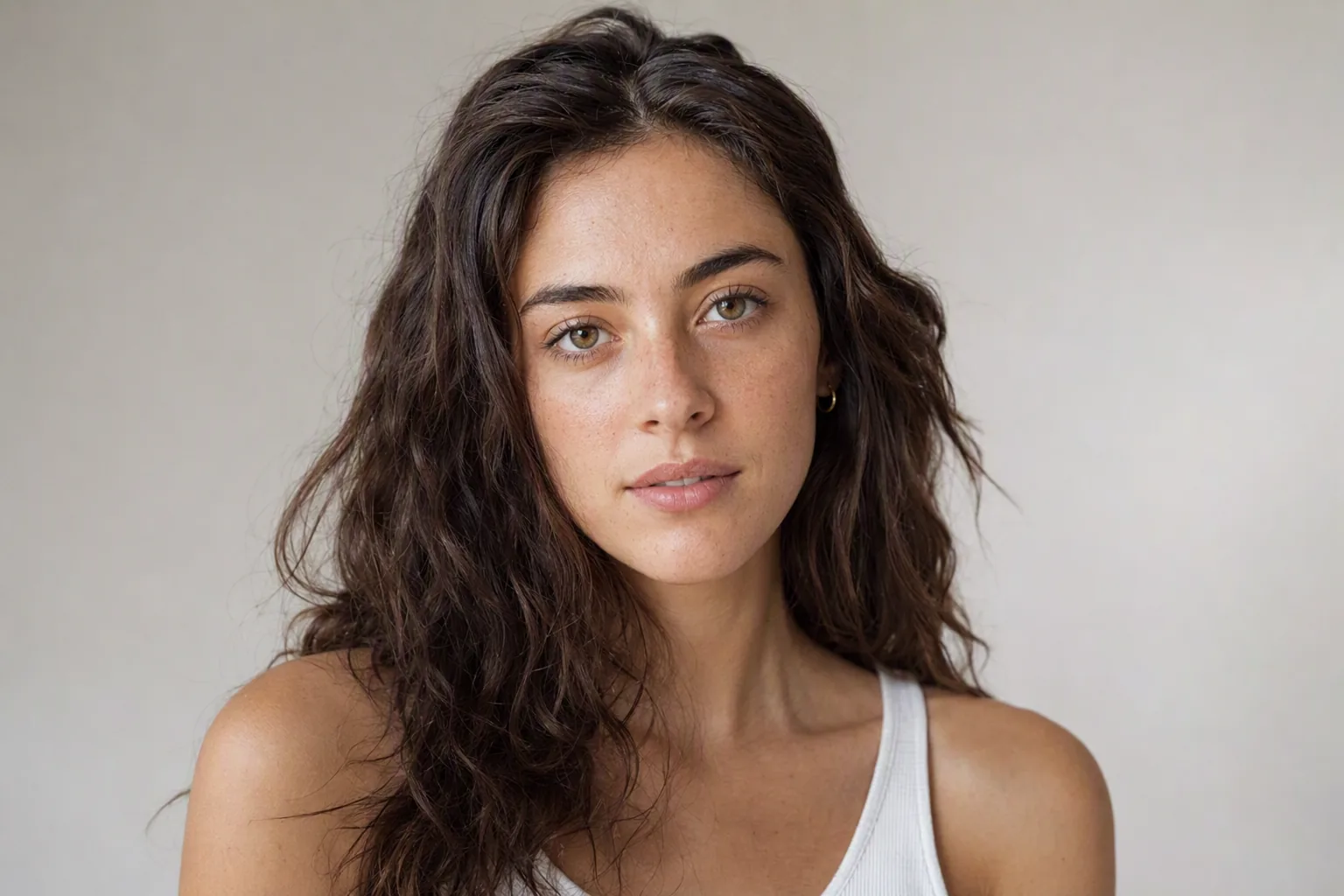
A caricature is not just a cartoon of you. It is a portrait that finds whatever is most distinctive about a face and pushes it - a strong jaw becomes stronger, a wide grin takes over half the picture. That exaggeration is the point, and it is why AI caricature results swing between brilliant and unrecognisable: the model has to identify what makes your face yours before it can exaggerate it.
This guide covers the process, which stylised portrait style suits which purpose, how to choose a source photo, and what these tools reliably get wrong.
Caricature, Cartoon, Anime, Sketch: What Each One Actually Is
These get used interchangeably in search results and they are genuinely different outputs:
- Caricature exaggerates proportion. The head is usually oversized relative to the body, and one or two features are pushed hard. It is meant to be funny and slightly unflattering. If the result looks polite, it has not worked. Best for gifts, cards, team pages with a sense of humour, and anything that is supposed to make someone laugh.
- Cartoon simplifies rather than exaggerates. Clean outlines, flat colour, proportions kept broadly realistic. Friendlier and much safer than a caricature - this is the one to choose when the subject has not consented to being teased.
- Anime follows a specific visual grammar: enlarged eyes, simplified nose, stylised hair with defined highlights. It preserves less of your actual face than the others, so pick it when you want the aesthetic more than the likeness.
- Pencil sketch keeps your proportions honest and changes only the medium. It is the most flattering of the four for most faces and the best choice for a printed portrait or a low-key profile picture.
If you are choosing a gift, the rule of thumb is: caricature for someone with a good sense of humour about themselves, cartoon for everyone else, sketch when you want it framed.
How to Turn a Photo Into a Caricature, Step by Step
- Choose the photo first, not the style. The source photo determines more of the result than the style setting does. Details in the next section.
- Open the caricature style. In Visio AI this is AI caricature inside the AI Art section.
- Upload the photo. One person, face clearly visible, no sunglasses.
- Generate. Usually seconds. Generate two or three times if the tool allows it - caricature outputs vary more between runs than most styles, because the model is making a judgement about which feature to push.
- Pick the one that is recognisable first and funny second. A caricature that nobody can identify is just a distorted stranger.
- Save at the largest size offered if there is any chance you will print it. Stylised images magnify compression artefacts badly.
Picking a Source Photo - This Decides the Result
Nearly every disappointing caricature traces back to the input image. What works:
- Front-facing, or very close to it. Three-quarter angles confuse the exaggeration and often produce a lopsided face.
- Even, bright light. Shadow across half the face gets read as facial structure and exaggerated as though it were.
- A clear expression. A big open smile gives the model something to work with. A flat neutral face produces a flat neutral caricature.
- Nothing obscuring the face. No sunglasses, no hand, no hair across the eyes. Ordinary glasses are usually fine and often become a feature.
- One person. Group photos produce blended faces more often than good results. Crop first.
- Decent resolution. Small or heavily compressed images give the model too little to identify.
- No beauty filter. Filters smooth away exactly the distinctive features a caricature needs. This is the single most common reason a caricature comes out generic.
A useful diagnostic: if a friend could identify you from the source photo at thumbnail size, the caricature will work. If not, no style setting will rescue it.
What AI Caricatures Get Wrong
Being upfront about this saves you three wasted attempts:
- Hands and props. Still the weakest area in generative imagery. If your source photo has a hand near the face, expect trouble.
- Uneven exaggeration. The model sometimes seizes on the wrong feature - exaggerating a shadow, an earring or a hairstyle rather than the face itself.
- Flattening distinctiveness. Paradoxically, some outputs make faces more generic, not less. This usually happens with soft, evenly proportioned faces where there is no obvious feature to push, and with heavily filtered source photos.
- Sensitivity. Caricature exaggerates. Exaggerating someone's weight, nose, teeth or skin without asking first is a good way to upset a person you like. Ask, or use cartoon style instead.
One more thing that is not a flaw but is worth saying plainly: these are decorative images. A stylised portrait is not usable as an identity photo of any kind, and AI-generated portraits are not valid for passports, national ID cards, visas or driving licences. Nobody is likely to try, but the rule is the same across every generated image on this site.
"Free", "Online" and What to Expect
Most searches for a caricature maker end up on browser tools promising free, instant, watermark-free results. Some of them deliver exactly that. Common patterns worth knowing before you commit time to any of them:
- Free tiers usually cap resolution, add a watermark, or limit you to a handful of generations per day. Any of those may be perfectly fine for a WhatsApp joke and useless for a printed card.
- Browser tools upload your photo to a server. Read what happens to it afterwards if that matters to you.
- App-based tools like Visio AI ask you to install something, which is a real cost in convenience. In exchange you generally get higher-resolution output and a whole set of styles on the same photo rather than one.
We are not going to pretend the app is the right answer for everyone. If you want one caricature, right now, on a desktop, use a web tool. If you want to run the same photo through caricature, cartoon, anime and sketch and compare them properly, an app is the better shape for that job.
Try It on Your Own Photo
Visio AI is a photo app for iPhone and Android that turns a selfie into caricature, cartoon, anime, sketch, clay and pixel-art portraits, alongside its hairstyle, hair colour, outfit and makeup features. A good first run:
- Take a fresh front-facing photo in daylight with a genuine, big smile.
- Run it through AI Art in caricature style twice, and keep both.
- Run the same photo through cartoon and sketch for comparison.
- Show all four to someone who knows you and ask which is recognisable. That answer is more reliable than your own, because you have never seen your own face from the outside.
If the caricature keeps fixating on your hair rather than your face, that is a signal in itself - and a reason to look at what a different cut would do to your proportions, which our guide to the best hairstyle for your face shape works through properly.
Turn Your Photo Into a Caricature
Download Visio, upload a selfie, and see the caricature, cartoon, anime and sketch versions side by side.


Frequently Asked Questions
How do I turn a photo into a caricature with AI?
Open a caricature generator, upload a clear, front-facing, well-lit photo of one person, choose a caricature style and generate. Save at the largest size offered if you plan to print it. The source photo matters far more than the style setting: even light, a strong expression and nothing covering the face produce the best results.
Is Visio AI a website where I can upload a photo?
No. Visio AI is a mobile app for iPhone and Android, so you need to install it rather than upload in a browser. If you want a single caricature immediately on a desktop, a web-based tool suits that better. The app makes more sense when you want to run one photo through several styles and compare.
What is the difference between a caricature and a cartoon?
A caricature exaggerates proportion, usually with an oversized head and one or two features pushed hard, and is meant to be funny. A cartoon simplifies instead - clean lines, flat colour, realistic proportions - and reads as friendly rather than teasing. Choose cartoon when you are not certain the subject wants to be exaggerated.
Why does my AI caricature not look like me?
Usually the source photo. Beauty filters are the most common culprit, because they smooth away the distinctive features a caricature needs. Side angles, shadow across the face, low resolution and group photos also cause it. Reshoot front-on in even light with an unfiltered camera and try again.
Which photo works best for a caricature?
One person, facing the camera, evenly lit, with a clear and preferably exaggerated expression, nothing covering the face, and reasonable resolution. A useful test: if someone who knows you could identify you from a thumbnail of the photo, it will work.
Can I use an AI caricature as a profile picture or ID photo?
As a profile picture on social platforms, yes - it is a decorative image and is understood as one. As an identity photo, no. Stylised and AI-generated portraits are not valid for passports, national ID cards, visas or driving licences, which require an unaltered photograph.